
Prompt Optimizer turns weak prompts into expert-level AI instructions.
Paste any rough prompt and get a structured, precision-engineered version in seconds — built for ChatGPT, Gemini, Claude, and every major AI tool.
4 techniques applied. Your prompt is now expert-level — paste it directly into ChatGPT, Gemini, or Claude.
See Prompt Optimizer in action.
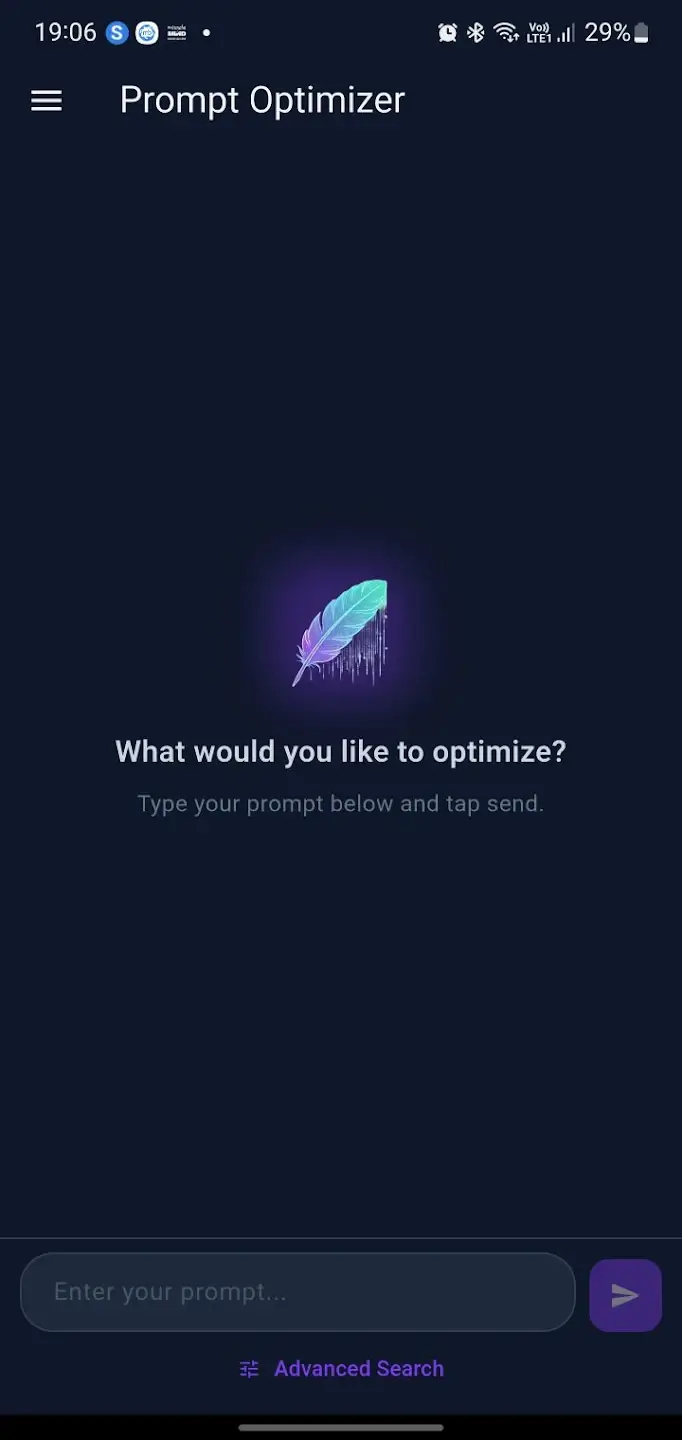 Home
Home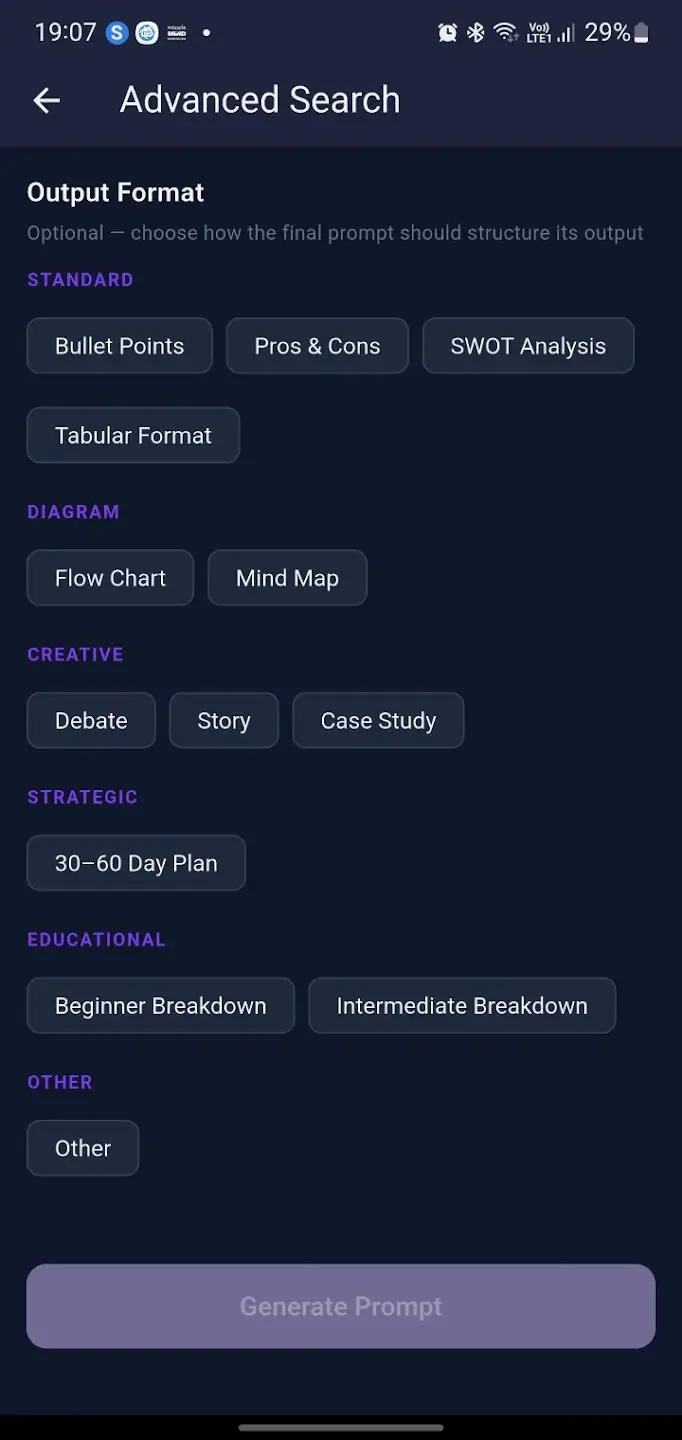 Advanced Search
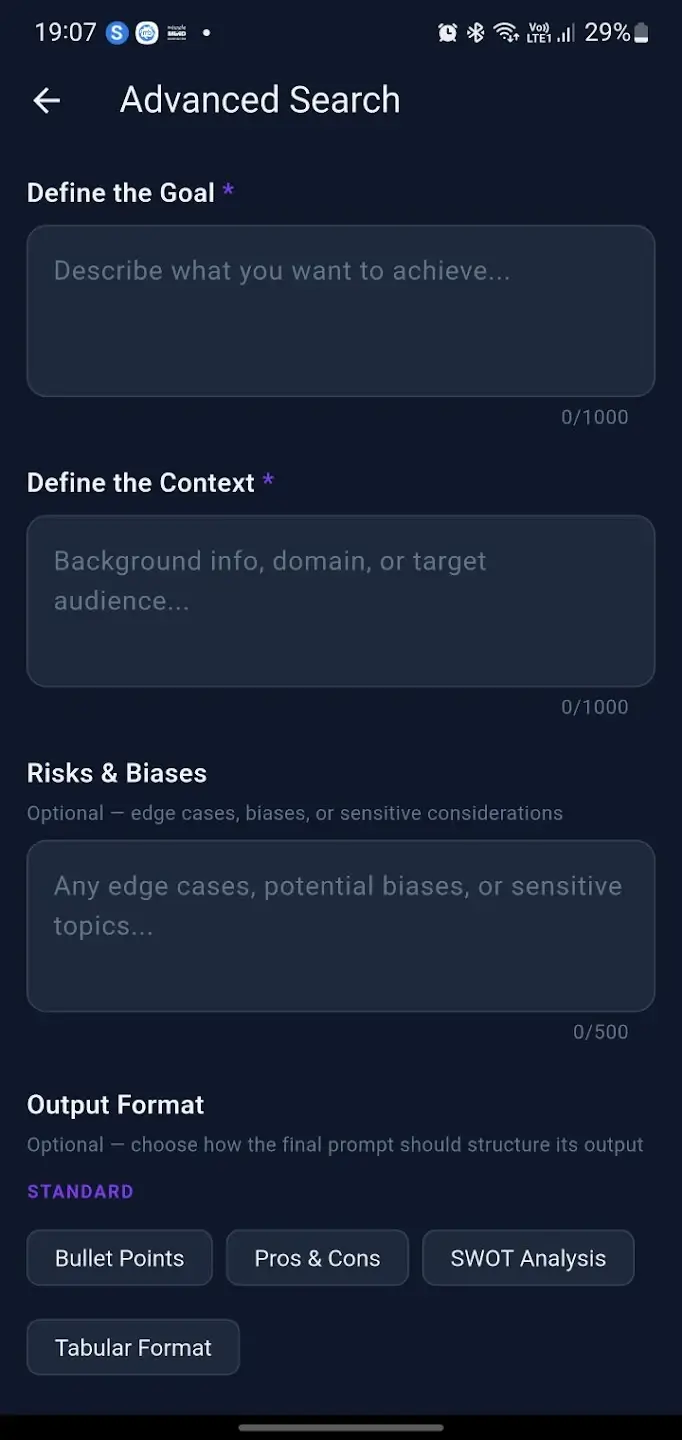 Output Formats
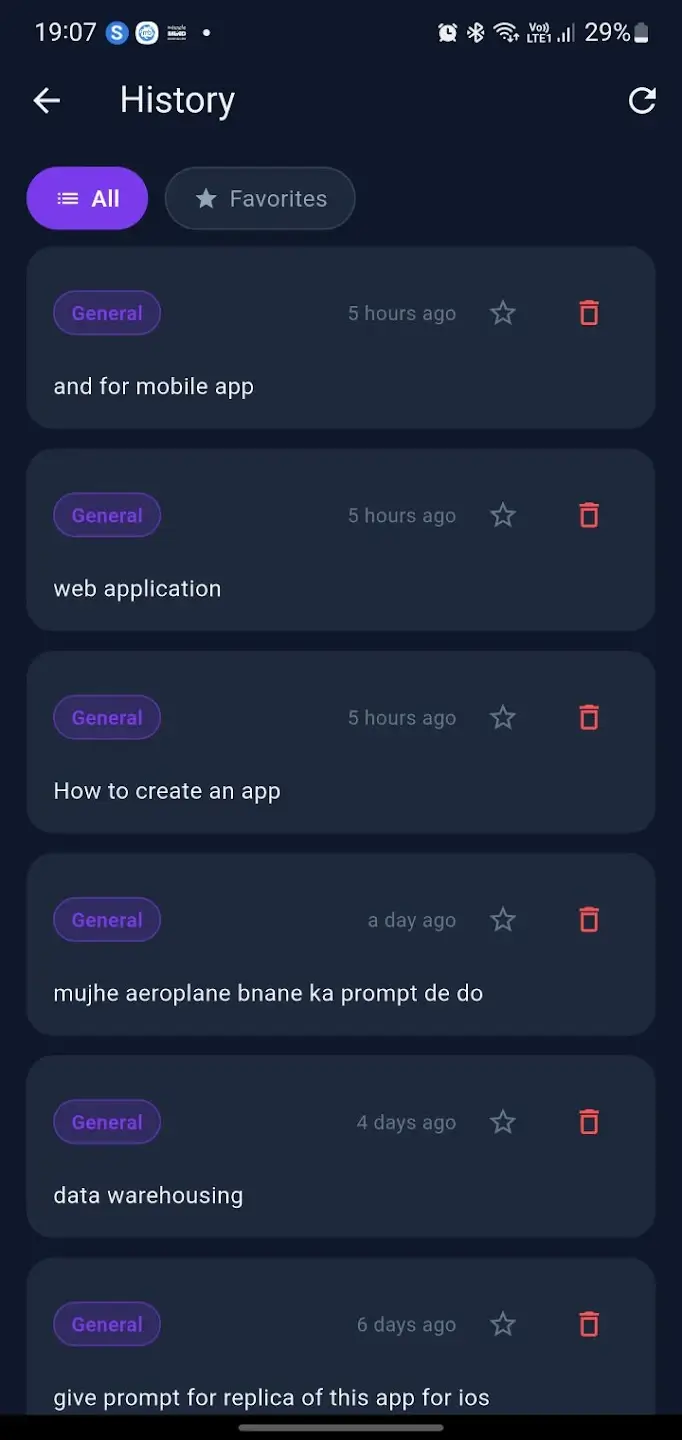 History
 API Usage
Most people get mediocre results from AI because their prompts are too vague.
The gap between a weak prompt and an expert-level one is the difference between a generic, useless AI reply and a precise, actionable result. Prompt engineering is a skill — Prompt Optimizer automates it.
Every prompt becomes structured, precise, and expert-level.
Prompt Optimizer applies 16+ professional techniques — role assignment, chain-of-thought, output formatting, constraint setting, and more — woven naturally into your final prompt.
Built for anyone who uses AI tools daily.
Every feature in Prompt Optimizer is designed to make your AI interactions faster, smarter, and more precise — in seconds.
Instant Optimization
Paste your rough prompt and get an expert-level version in seconds. No setup, no learning curve.
5 Optimization Modes
General, Coding, Creative, Analysis, and Instruction — each mode applies the right techniques for your use case.
Advanced Search Mode
Define your goal, context, risks, and output format for surgical precision — beyond basic optimization.
Prompt History
All your optimized prompts are saved automatically. Review, reuse, and build on your best work.
Bookmark Favourites
Star your most-used prompts and access them instantly — your personal expert prompt library.
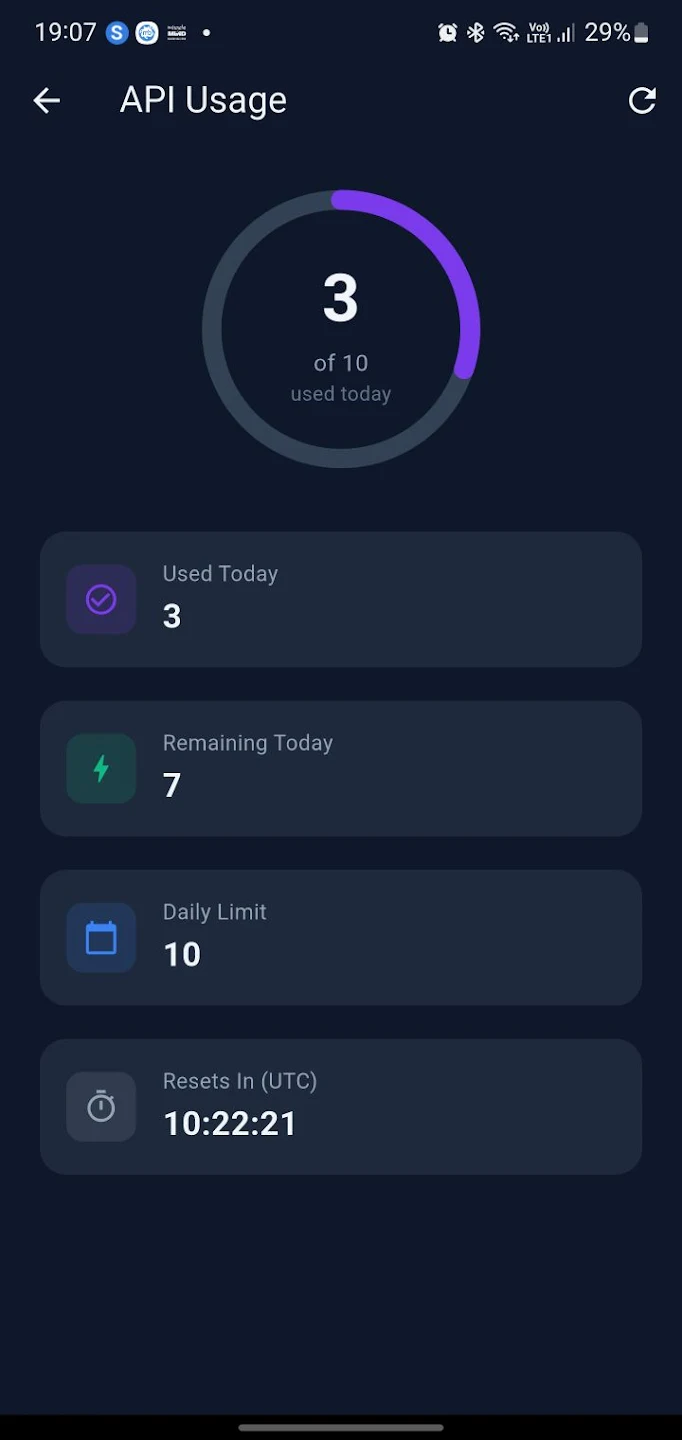
Usage Tracker
Live countdown showing your daily optimization quota and when it resets — always know where you stand.
See exactly how a weak prompt becomes an expert-level instruction.
The sample below shows how Prompt Optimizer transforms a vague input into a structured, technique-rich prompt — ready to paste into any AI tool.
Before Optimization
Raw user input — vague and unstructured
After Optimization
Expert-level — 4 techniques applied
Your prompts stay yours.
Prompt Optimizer is built with a clean, fast dark-theme interface. No data is shared with third parties — your prompts, history, and bookmarks stay on your device and account only.
Your prompts and optimization history are never sold or shared with external services.
Remove your account and all associated data instantly — full control, always.
Secure authentication with automatic account linking — no passwords to manage on iOS.
All data sent between the app and backend is fully encrypted end-to-end.
From rough idea to expert prompt in 3 taps.
Paste your prompt
Type or paste your rough prompt — even one line is enough. Choose your optimization mode: General, Coding, Creative, Analysis, or Instruction.
AI applies 16+ techniques
Role assignment, chain-of-thought reasoning, constraint setting, output formatting, and more — applied automatically in seconds.
Copy and use
Your expert-level prompt is ready to paste directly into ChatGPT, Gemini, Claude, or any AI tool. Save to history or bookmark for later.
For everyone who uses AI to get work done.
Developers & engineers
Debug faster, write better code prompts, and get precise technical explanations — Coding mode applies developer-specific techniques automatically.
Content creators & marketers
Generate more compelling, structured content. Creative mode crafts prompts that produce richer, more original AI outputs every time.
Business professionals & researchers
Create precise, actionable AI prompts for reports, analysis, and research. Analysis and Instruction modes are built for structured, data-driven work.
Prompt Optimizer FAQ
Which AI tools does Prompt Optimizer work with?
Prompt Optimizer produces prompts optimized for ChatGPT, Gemini, and Claude — but the output works with any AI tool that accepts text prompts.
What are the 5 optimization modes?
General (all-purpose), Coding (developer tasks), Creative (writing and ideation), Analysis (data and research), and Instruction (step-by-step tasks). Each applies the right techniques for the context.
What is Advanced Search mode?
Advanced Search lets you define your goal, context, risks, and desired output format manually — giving you surgical control over the optimization result.
Is Prompt Optimizer available on iOS?
Yes — Prompt Optimizer is available on both Android (Google Play) and iOS (App Store). iOS also supports Sign in with Apple for secure, password-free login.